
Bananzia on your phone
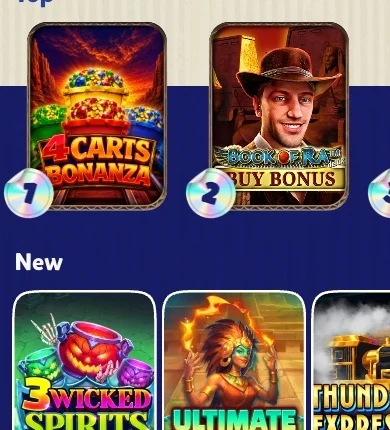
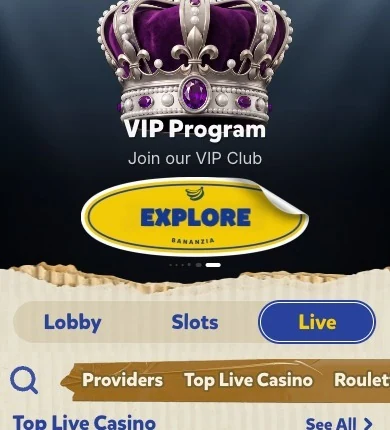
Everything you use at Bananzia on desktop is on your phone too: the lobby with its tabs, the Free Money section, the VIP club, the tournaments and the crypto cashier. You open our site in your browser and add it to your home screen, and on Android you can install our app from the link on the site.
Add a shortcut
iPhone
- Open our site in Safari and log in.
- Tap Share.
- Tap Add to Home Screen.
- Open the icon.
Android
- Open our site in Chrome and log in.
- Tap the menu.
- Tap Add to Home screen.
- Open the icon.
What you get on mobile
| Feature | Mobile |
|---|---|
| Lobby tabs and search | Yes |
| Free Money and Wheel of Gods | Yes |
| VIP club and tournaments | Yes |
| Live casino | Yes, streamed in the browser |
| Crypto cashier | All coins, same limits |
| Support chat | Yes |
Scroll horizontally to see the full table
Connection and safety
Slots use little data on 4G, while live tables stream video and are smoother on Wi-Fi. Use a screen lock, keep a long password in a password manager, and log out on a shared device.
Frequently asked questions
Is there a Bananzia app?
Our site runs in any browser with a home-screen shortcut, and Android users can install our app from the link on the site.
Can I deposit from my phone?
Yes, the crypto cashier works the same way as on desktop.
Does the VIP club work on mobile?
Yes, your points and Friday rewards are the same everywhere.